
Shipped Canada-Wide
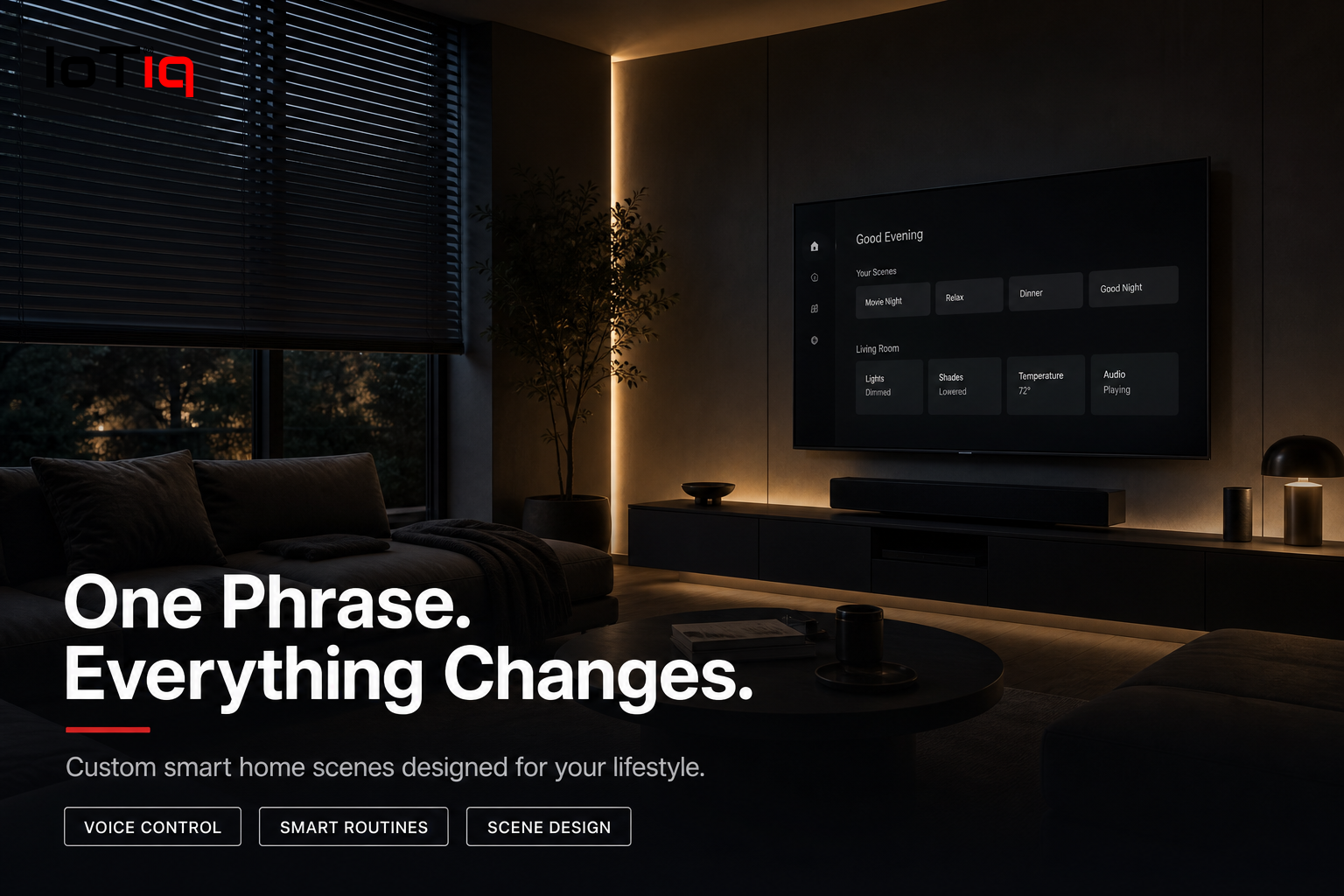
One phrase. Everything changes.
“Movie night.” Lights to 15%, TV on, blinds close, thermostat drops. One phrase replaces six separate actions. We design scenes around how you actually use each room — not a preset template.
Get a Free Product ConsultationSee pricing →
✓ Canadian-owned, founded in Halifax
✓ Manufacturer warranty on every product
✓ 30-day free setup support · No obligation to buy
8–15
Scenes, typical residential home
No limit
On devices controlled by one scene
3–5 hrs
Standard configuration time
Why It’s Different
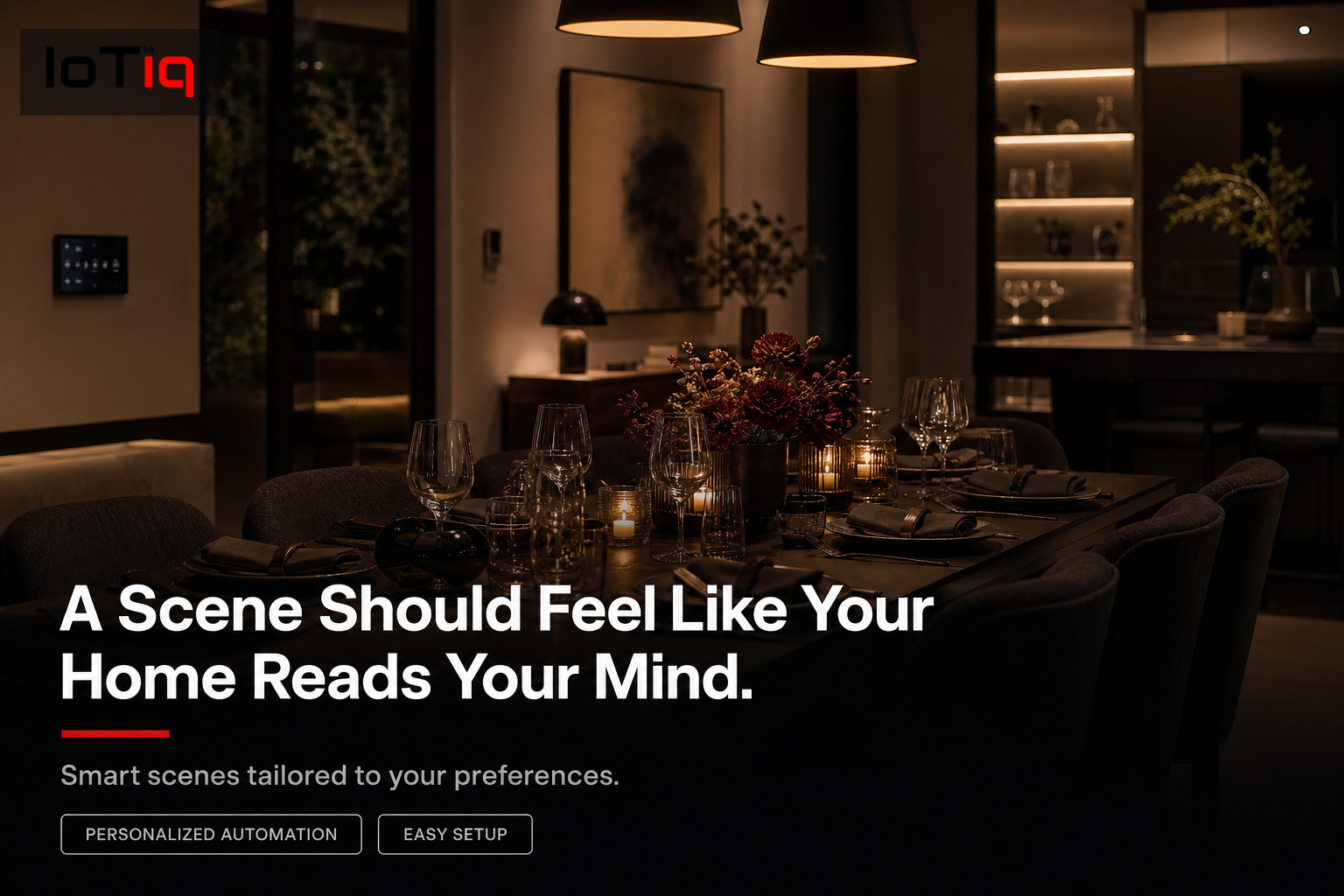
A scene should feel like your home reads your mind.
The best scenes are the ones you stop thinking about within a week — because they’re so natural. We design your scenes from a conversation about how you use every room, not a template.
Movie night, dinner, work mode — one phrase
A scene changes multiple devices simultaneously. Instead of adjusting lights, blinds, thermostat and TV separately, one command does it all.
Built around how you use each room
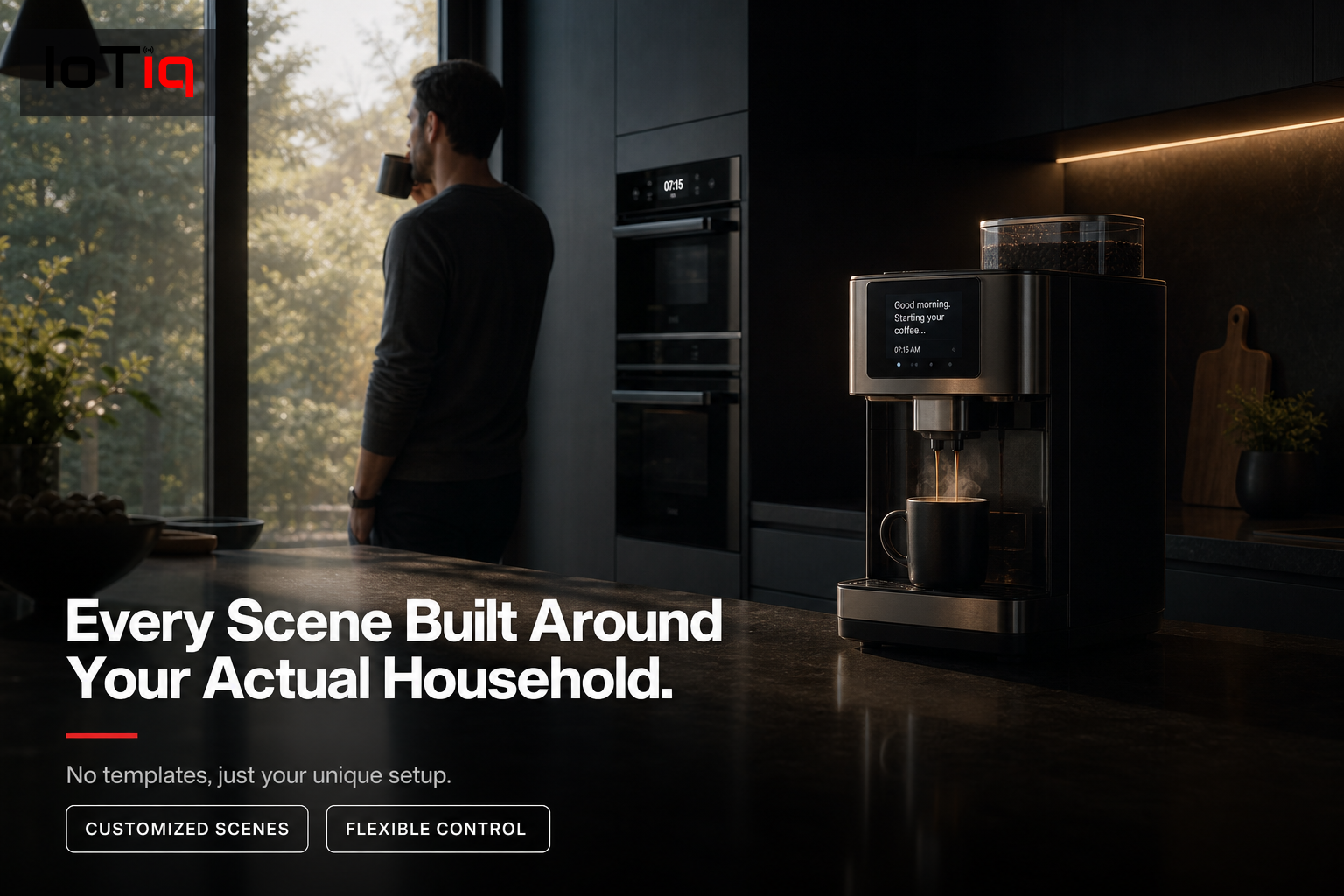
We sit with you and understand how you actually use each room at different times of day. Every scene comes from that conversation.
Morning, evening & special occasion
Gradual wake-up lighting, focus mode for working from home, dinner party warmth, kids’ bedtime — each precisely configured.
Scenes for kids’ routines
Bedtime scene: nightlight on, sound machine starts, main light off. One button from the parent’s phone — no argument at bedtime.
Commercial scenes for offices
Presentation mode: lights dim, blinds lower. Meeting mode: lights up, comfortable temperature. One button for each scenario.
As many scenes as you want
No limit to the number of scenes we configure. Typical homes have 8–15 scenes, all set up during the installation day.
How It Works
Designed with you,
tested before we leave.
Scene interview
We discuss every room and every time of day — what lighting, temperature and device state you want.
Scene design
We list every scene with its precise settings on paper before programming anything. You review and approve.
Scene configuration
Each scene programmed with exact brightness levels, colour temperatures, thermostat setpoints and device states.
Trigger setup
Each scene given a voice command, an app button and a physical smart switch trigger.
Testing
Every scene tested end-to-end. We walk through each one with you and adjust anything that isn’t exactly right.
Scene guide
We leave you a printed or digital reference of every scene, its trigger phrase and what it does.
Pricing
Transparent, from day one.
$200–$500
Depending on scenes & devices
FAQ
Common questions.
Can I change a scene after it’s set up?+−
Yes. Scenes are fully editable through the app — brightness, temperature, timing, anything — without our involvement.
How many devices can a scene control?+−
No practical limit. A single scene can control every light, thermostat, lock and screen in your home simultaneously if needed.
Can scenes be triggered automatically?+−
Yes. Scenes can activate at specific times, when you arrive home, when a sensor detects occupancy, or when another device changes state.
What if a device in a scene is offline?+−
The scene activates all reachable devices. Offline devices are skipped and a notification sent — the whole scene doesn’t fail.
Can commercial spaces use scenes?+−
Yes. Meeting room, presentation, lunch break and closing time scenes are among the most well-used automations we configure for offices.
How much does scene configuration cost in Canada?+−
Typically included in a broader automation installation. Standalone setup runs $200–$500 depending on the number of scenes and devices.
Can scenes work across multiple rooms?+−
Yes. A “good night” scene can affect every light, thermostat and lock in the entire property.
Is there a limit on scene complexity?+−
No practical limit — we’ve configured scenes with 30+ device actions for whole-home systems.
Keep Going
Explore the rest of Automation.
Scenes are one piece of a connected automation system.