
Shipped Canada-Wide
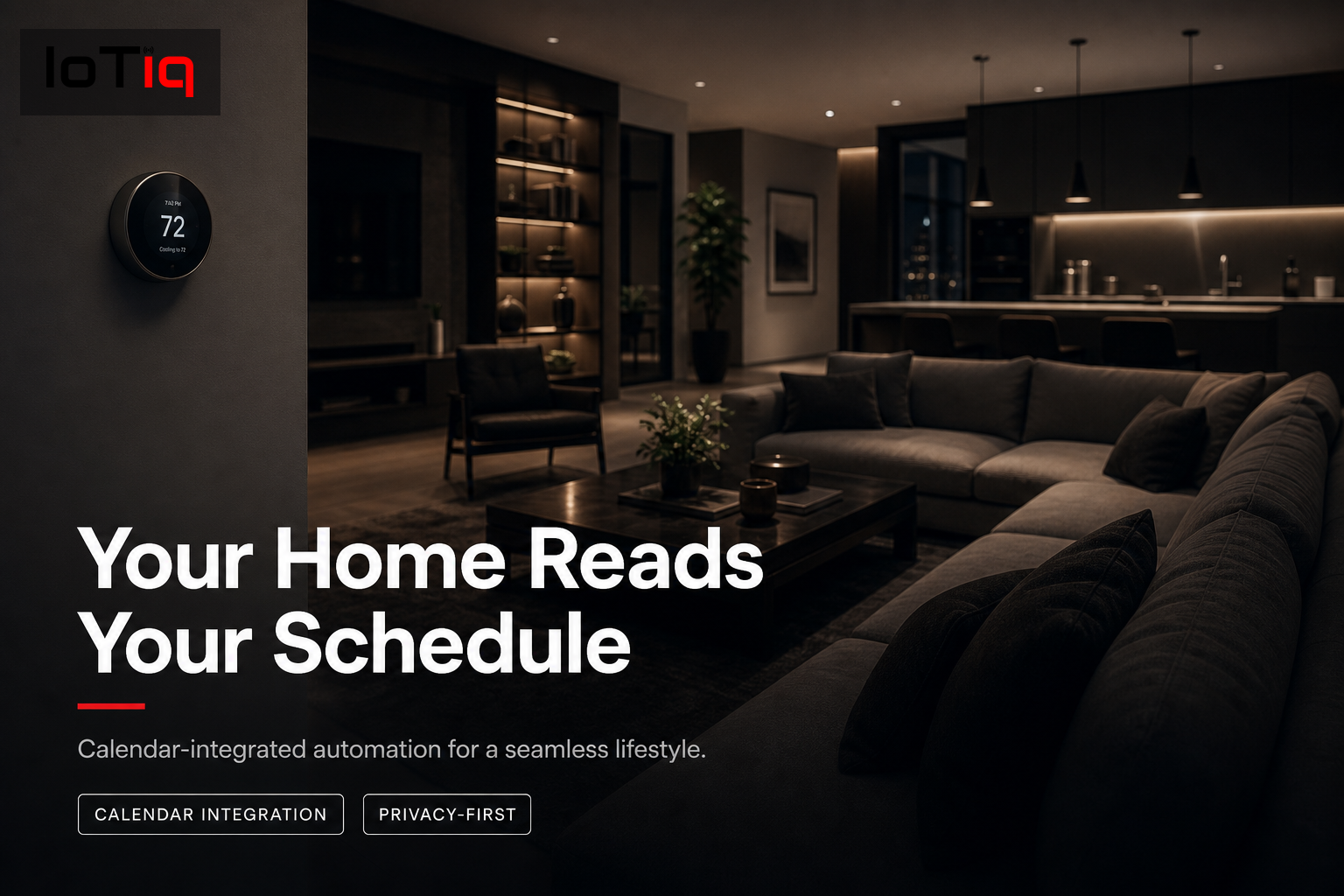
Your home reads your schedule.
Working from home today? Your home already adjusted. Vacation week? Full away mode activated automatically. Late meeting? The house holds your comfort temperature until you return.
Get a Free Product ConsultationSee pricing →
✓ Canadian-owned, founded in Halifax
✓ Manufacturer warranty on every product
✓ 30-day free setup support · No obligation to buy
Read-only
Access to timing only, never content
2–4 hrs
Standard setup time
3 platforms
Google, Apple & Outlook calendars
Why It’s Different
The smartest automation uses the schedule you already keep.
You already maintain a calendar. It knows when you work from home, travel, or have guests arriving. Calendar integration means your home reads that and adjusts, without any extra input from you.
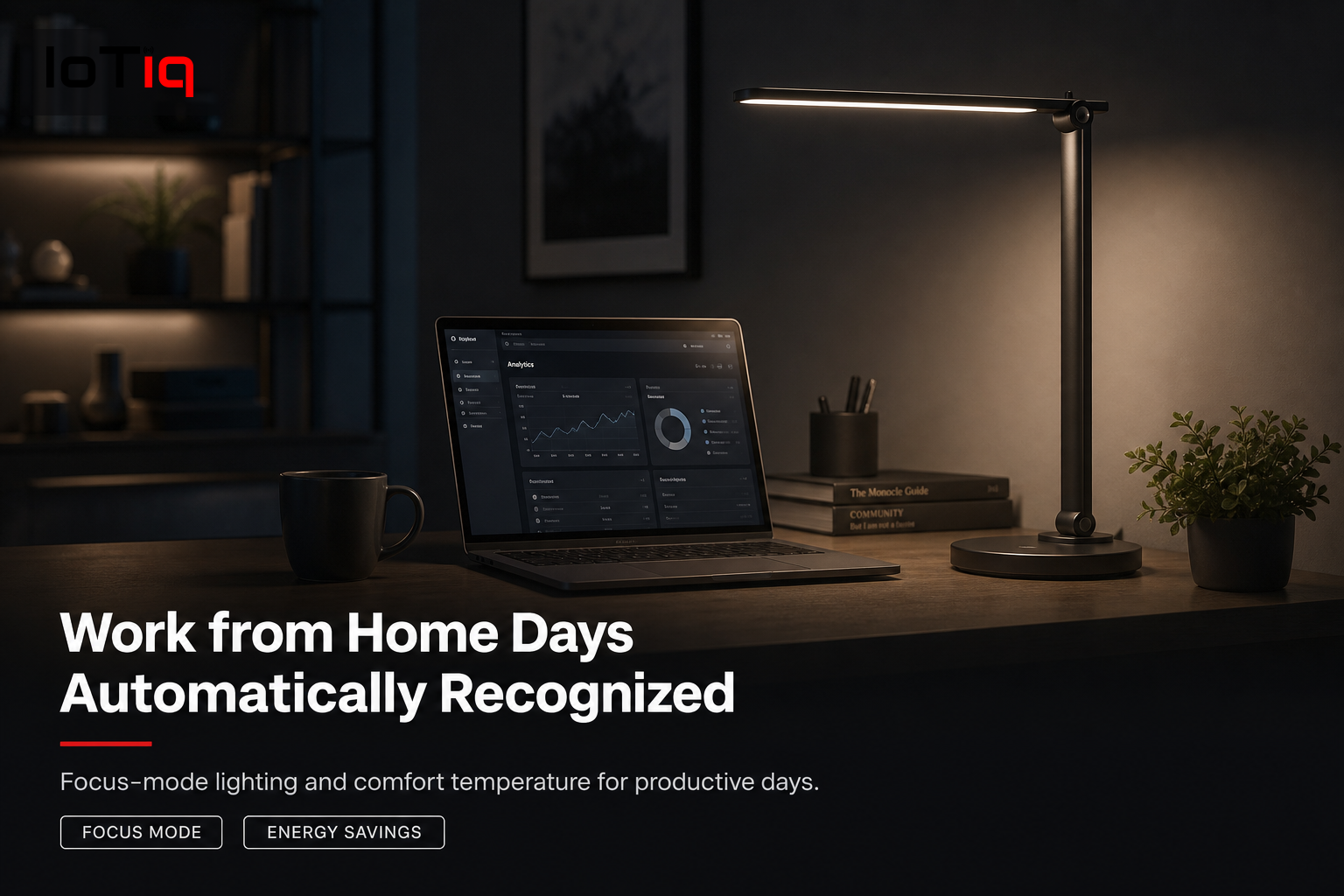
Work-from-home days recognized
When your calendar shows working from home, the office stays comfortable all day and focus-mode lighting activates automatically.
Office days trigger energy-saving mode
Calendar shows a normal office day — thermostat drops to setback, lights stay off, energy minimized until your expected return.
Late meetings handled automatically
Running late? The house knows and holds comfortable temperature, delaying the evening scene for your actual arrival time.
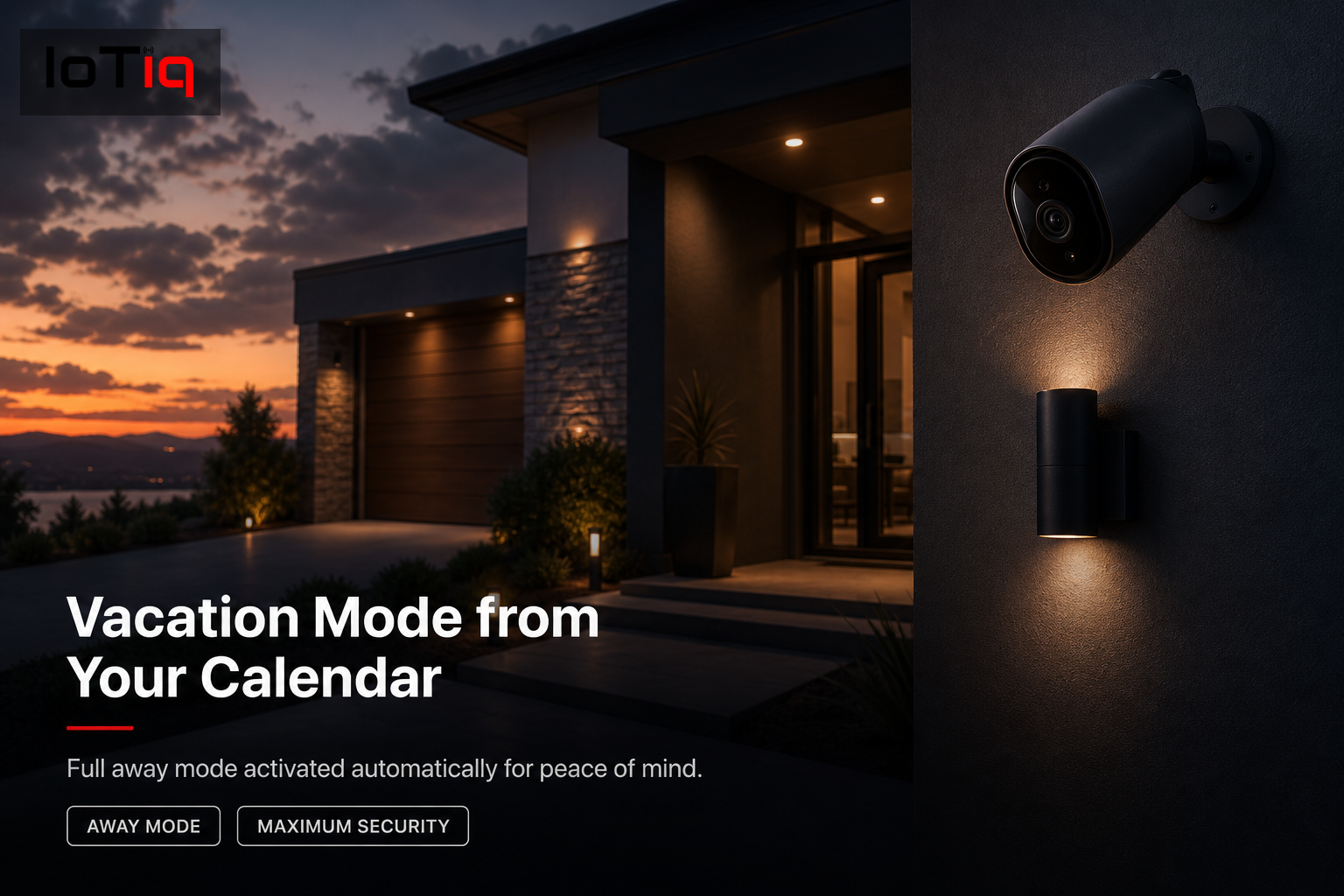
Vacation mode from your calendar
Calendar shows a vacation week — the home switches to away mode automatically, with random light cycling and max security sensitivity.
Guests arriving this weekend
Calendar shows house guests — guest room temperature adjusts, Wi-Fi activates, entry codes and welcome lighting configured for arrival time.
Privacy-first calendar access
We configure read-only access to event timing only. We don’t read event titles, attendees or content — just when you’re home or away.
How It Works
Read-only access,
privacy-preserving.
Calendar selection
We identify which calendar (Google, Apple, Outlook) and which calendars within it should inform automation.
Privacy configuration
Read-only access configured for event timing only. We confirm no event content is accessed or stored.
Trigger mapping
We map your calendar event types to specific home behaviours — work-from-home events to office mode, and so on.
Behaviour configuration
Each calendar-triggered behaviour configured with the exact device states you want for each scenario.
Override setup
We configure overrides for situations where the calendar-triggered behaviour isn’t appropriate on a given day.
Testing
We simulate calendar events and confirm the correct home behaviours are triggered during setup.
Pricing
Transparent, from day one.
$300–$600
Depending on complexity of events mapped
FAQ
Common questions.
Can you read the content of my calendar events?+−
We configure read-only access to timing only — start time, end time, whether an event is marked as work-from-home or travel. We don’t access titles, descriptions or attendee lists.
Does this work with Google Calendar and Apple Calendar?+−
Yes. Both are supported, and Microsoft Outlook is also supported for commercial clients.
What if my schedule changes last minute?+−
You can override any calendar-triggered automation from the app in seconds. The system returns to calendar-based operation automatically.
Can it handle irregular schedules?+−
Yes. Calendar integration handles irregular schedules better than fixed time-based routines, since it responds to what your calendar shows.
Is this suitable for a business?+−
Yes. Commercial integration links to team calendars — meeting room bookings trigger room HVAC and lighting, holidays trigger away mode.
How much does calendar integration cost?+−
Added to an existing smart home setup, $300–$600 depending on the complexity of events and behaviours mapped.
Which platforms support calendar integration?+−
Home Assistant has the most powerful integration. Apple HomeKit supports Apple Calendar natively; Google Home supports Google Calendar.
Is there a subscription required?+−
Calendar integration is a standard feature of the platforms we supply, with no additional subscription required.
Keep Going
Explore the rest of Automation.
Calendar automation is one piece of a connected system.