
Shipped Canada-Wide
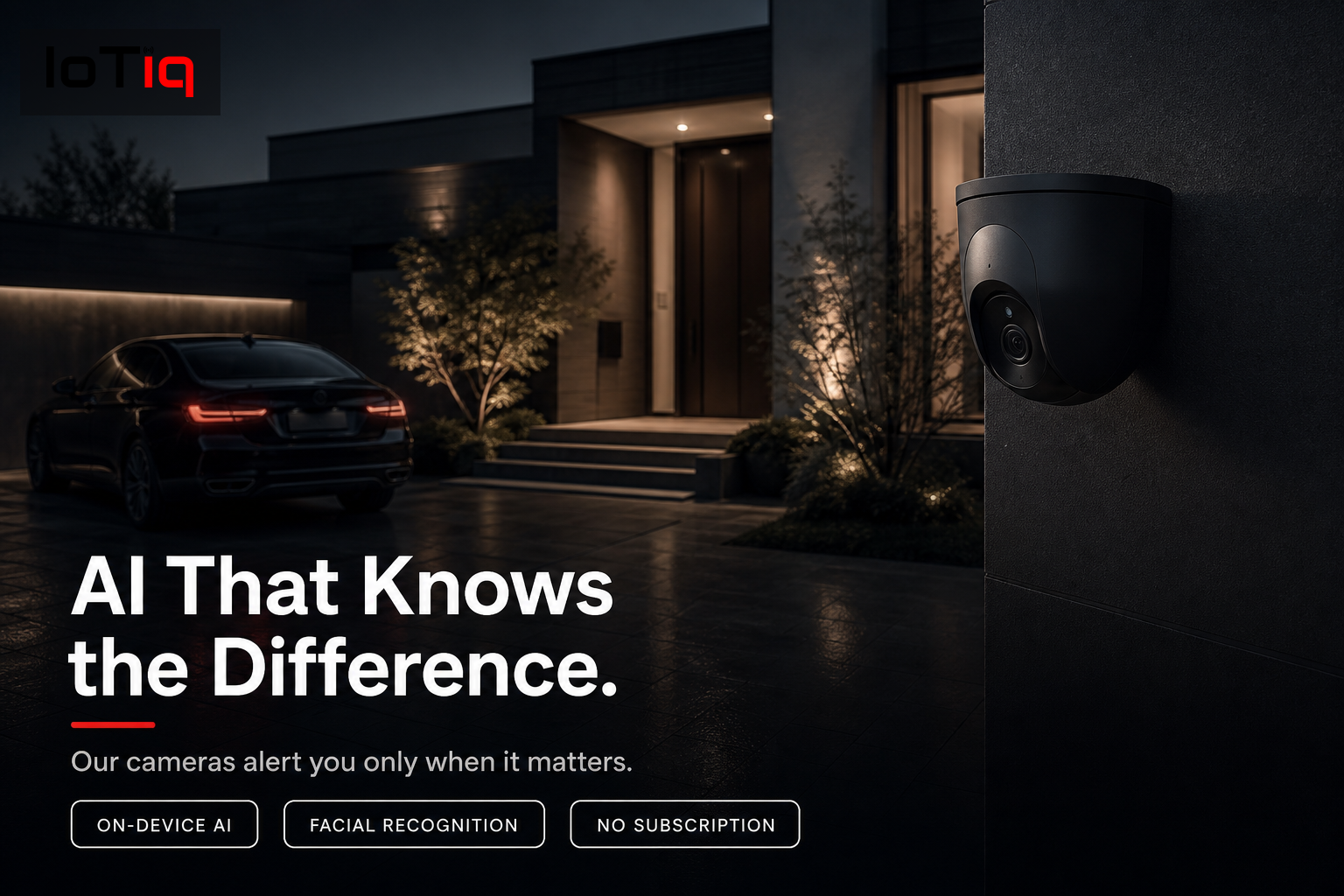
AI that knows the difference.
On-device AI recognizes faces, classifies objects and alerts you only when something genuinely unusual happens. No false alarms, no footage in the cloud by default, simple self-setup across Canada.
Get a Free Product ConsultationSee pricing →
✓ Canadian-owned, founded in Halifax
✓ Manufacturer warranty on every product
✓ 30-day free setup support · No obligation to buy
Already own a compatible device? You don’t need to buy it from IoTiq to use it — ordering through us just gets the same hardware pre-configured, bench-tested and backed by 30 days of free setup support at no extra cost. See compatible devices.
7 days
To learn every regular face in your home
30–90
Days of local storage, typical
Canada-wide
Weather-rated for Canadian winters
Why It’s Different
Your camera should know your family by now.
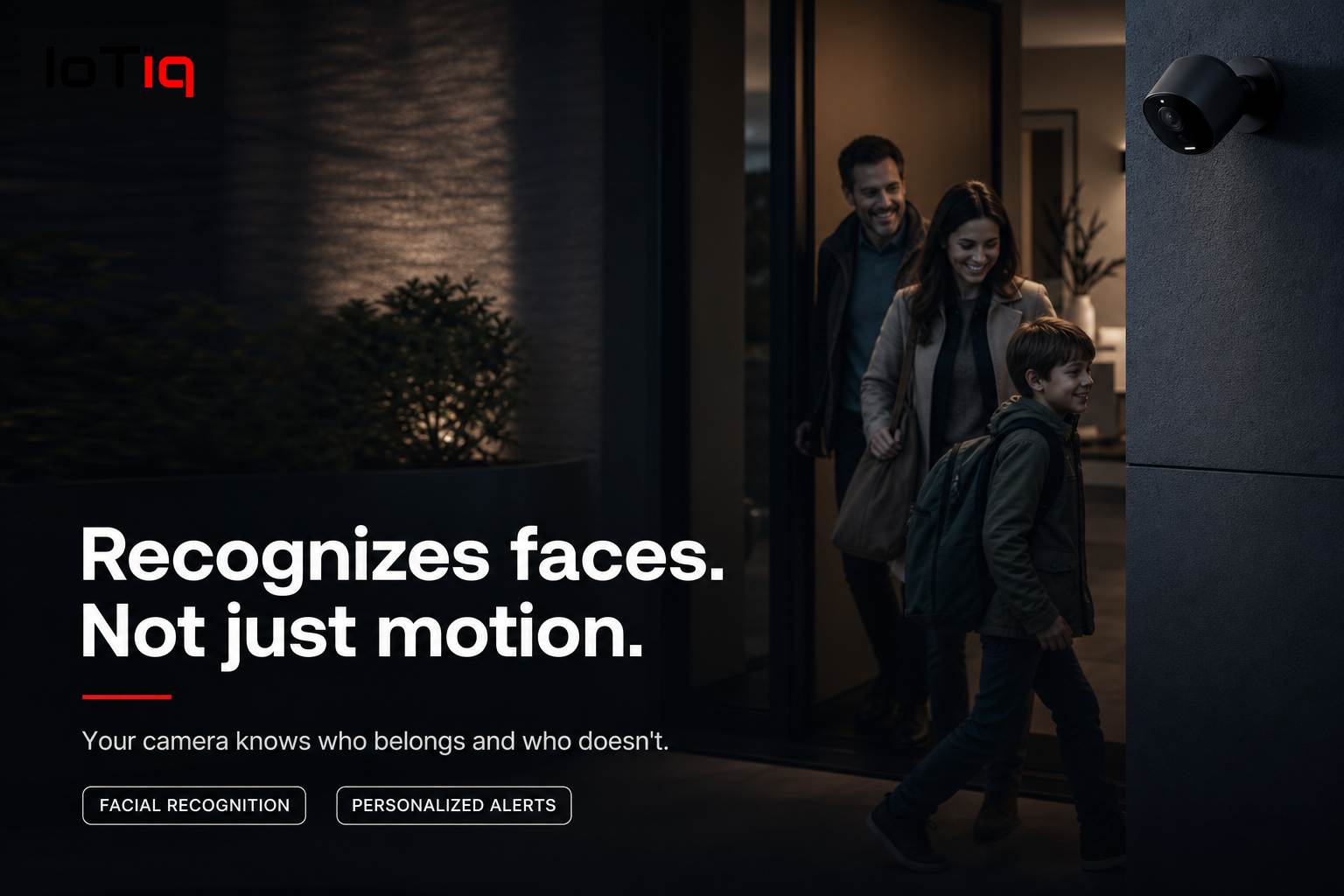
After the first week, our AI cameras have learned every regular face in your household. From then on, an alert means something — not your dog going outside, not a leaf blowing past the sensor.
Recognizes faces, not just motion
On-device facial recognition learns who belongs. Family, regular visitors and known delivery drivers are logged and ignored. Unfamiliar faces trigger an alert with a clip.
Built for Canadian winters
Weather-rated outdoor cameras for driveways, entry points and perimeter coverage. Motion zones so you only get alerts when someone enters your property.
Wireless or wired
Wireless cameras for rental units and condos where drilling is limited. Hardwired systems for setups needing maximum reliability and no battery management.
Local by default
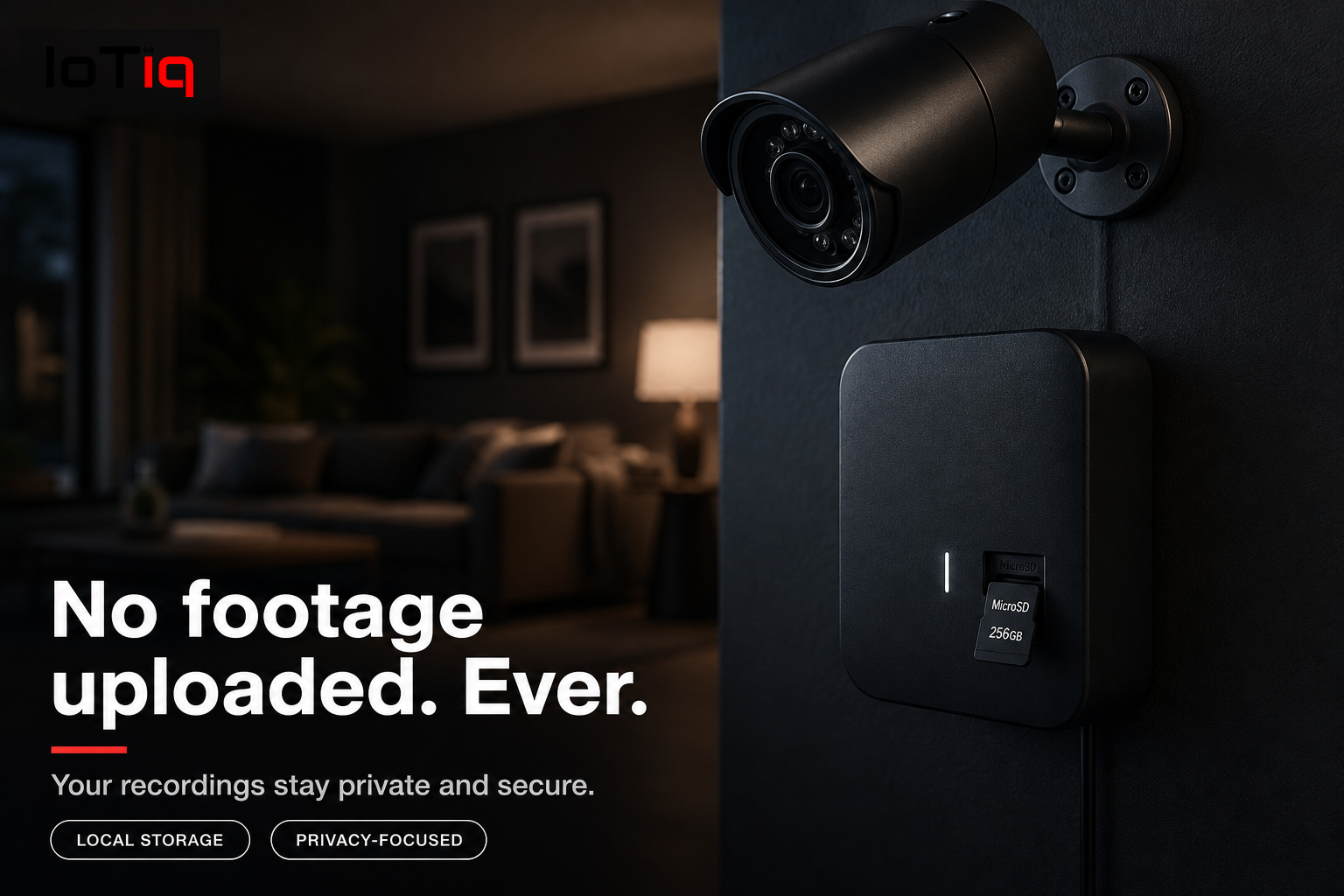
Processing happens on a local device inside your home. Your footage stays with you — no default upload to Amazon, Google, or any third-party server.
Business & commercial installations
Security cameras for offices, retail spaces, construction sites and commercial properties. Commercial systems include access logs and multi-property management.
24/7 local recording, remote access
Continuous local recording whether your internet is up or down. When you’re away, view live feeds and clips from your phone — notifications arrive in seconds.
Compare
Standard cameras vs AI cameras.
| Standard camera | IoTiq AI camera | |
|---|---|---|
| Alerts for | Any motion — cars, wind, shadows | People, classified and recognized |
| Family recognition | No | Yes, learned within 7 days |
| Footage storage | Often cloud-only | Local by default, 30–90 days typical |
| False alerts | Frequent | Rare — motion is classified first |
How It Works
Self-setup means more
than mounting a camera.
Coverage planning
We walk your property and identify every blind spot, entry point and coverage gap before a single camera is placed.
Camera placement
Positioned for maximum field of view, minimum blind spots and optimal night-vision performance.
Secure configuration
Default passwords changed, network access hardened, firmware updated, motion zones defined precisely.
Local storage setup
We configure local storage so recording runs continuously with no cloud dependency.
App & alert setup
Your phone receives the right alerts, not everything. We configure detection sensitivity and notification preferences.
30-day follow-up
We return within 30 days to confirm alert settings are working as expected and adjust anything that needs tuning.
Pricing
Transparent, from day one.
$350–$600
Depending on model & cabling
$1,200–$2,200
Fully installed, typical home
FAQ
Common questions.
Do I need Wi-Fi for security cameras?+−
For wireless cameras, yes. Contact our support team to assess your Wi-Fi coverage and recommend access point upgrades if needed. Wired IP cameras use your network switch and don’t depend on Wi-Fi signal strength.
Can I access cameras when away from home?+−
Yes. Once set up, you can view live feeds and recorded clips from anywhere with an internet connection. Notifications are pushed in real time when events are detected.
Will cameras work when the power goes out?+−
Cameras connected to UPS battery backup continue recording during short outages. Battery backup units are available if this is a priority for your property.
Can I use cameras in a rented home?+−
In most cases, yes for indoor cameras and wireless outdoor cameras. We flag what’s permissible for your rental before you order and recommend mounting solutions that minimize property impact.
How long is footage stored?+−
Local storage capacity depends on the drive size we supply — typically 30 to 90 days of continuous recording. We size the storage based on camera count and your preferred retention period.
How much do security cameras cost in Canada?+−
A single outdoor camera starts at $350–$600 depending on model and cabling required. A 4-camera system for a typical home runs $1,200–$2,200 fully installed.
What’s the difference between AI cameras and regular cameras?+−
Standard cameras detect any motion and alert you constantly — passing cars, wind, shadows. AI cameras classify what they detect, so you get alerts for people at your door, not every leaf that moves.
Is there a monthly fee for the cameras?+−
Core functionality runs on local storage and does not require a subscription. Optional cloud backup may be offered separately if you’d like off-site copies.
Keep Going
Explore the rest of Security.
Cameras are one piece of a connected security system.