
Smart Locks Compared: Keypad, App, Fingerprint and UWB for Canadian Homes

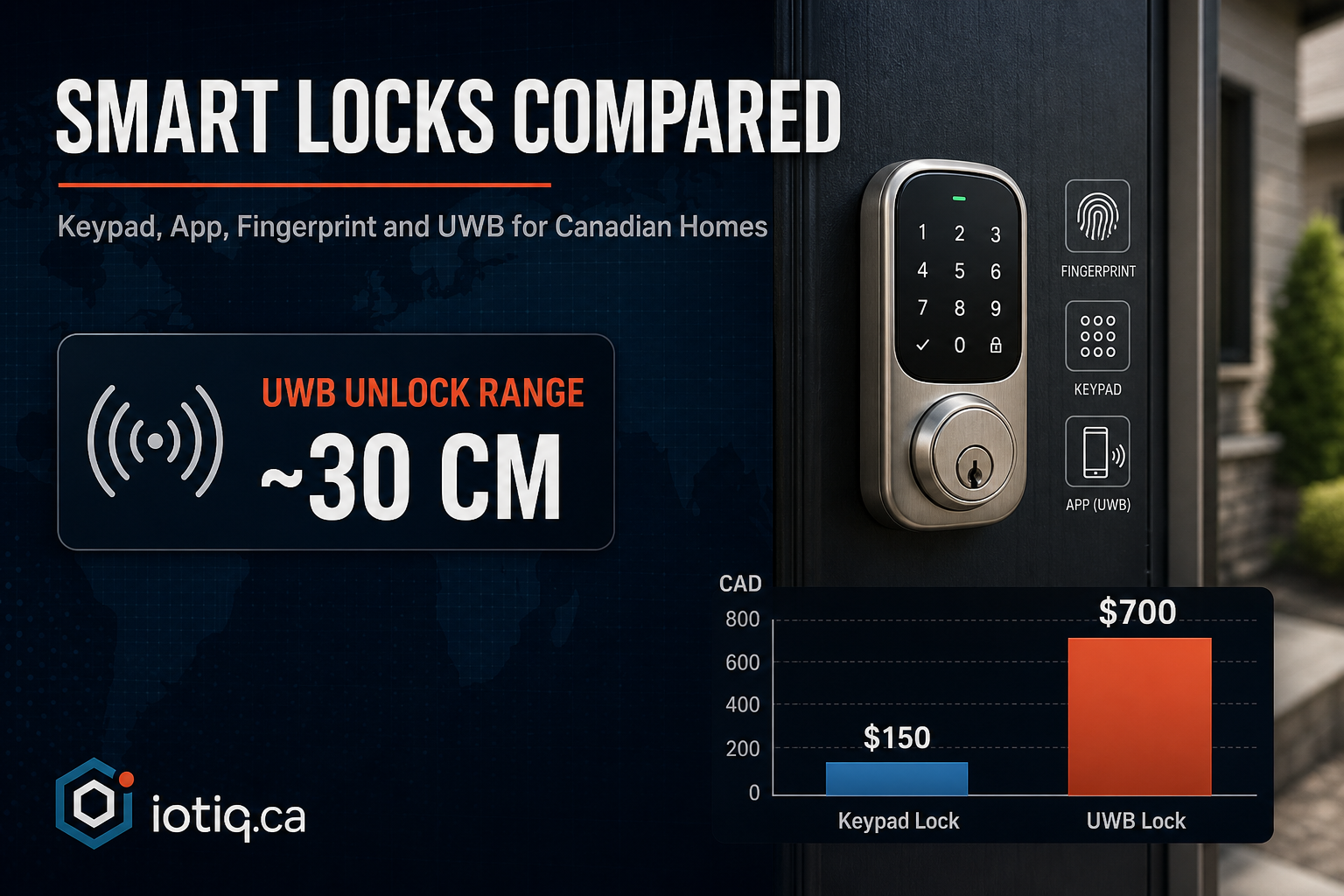
“Smart lock” covers a wider range of technology than most buyers realize — the difference between a $150 keypad deadbolt and a $700 ultra-wideband lock isn’t just price, it’s what happens when someone tries to break in electronically rather than physically. Here’s what actually separates the options, and which one fits which situation.
The Four Unlock Methods, and What They’re Actually Good For
| Method | How it works | Best for | Main limitation |
|---|---|---|---|
| Keypad code | PIN entered on a keypad built into the lock | Guests, cleaners, contractors who don’t need an app | Codes can be watched and copied if not changed regularly |
| App / Bluetooth | Phone connects to the lock over Bluetooth within range | Households already comfortable managing everything by app | Standard Bluetooth locks are vulnerable to relay attacks |
| Fingerprint | Local biometric sensor on the lock itself | Fast entry with no phone or code needed | Cold, wet, or gloved fingers can affect read reliability |
| UWB (ultra-wideband) proximity | Detects your phone’s precise location, typically within about 30cm, and unlocks as you approach | Hands-full entry, highest resistance to electronic attacks | Requires a UWB-capable phone (most recent iPhones and many Android flagships) |
Most locks worth considering support more than one of these at once — a keypad as backup, an app for primary use, and fingerprint or UWB layered on top. The question isn’t usually “which single method” but “which combination fits your household,” plus what backup exists if your phone dies or you’re standing outside in the rain trying to remember a code.
Why the Bluetooth-vs-UWB Distinction Actually Matters
This is worth explaining because it’s the single biggest security gap between lock tiers, and it’s not obvious from spec sheets. Standard Bluetooth locks are vulnerable to what’s called a relay attack: a device near your phone (even outside your house) can relay the Bluetooth signal to a second device near your lock, tricking it into thinking your phone is closer than it actually is. Ultra-wideband avoids this because it measures precise distance and location using signal time-of-flight, not just proximity — a relayed signal doesn’t fool it the same way. If you want a phone-based unlock method without that specific weakness, UWB is the meaningful upgrade, not just a faster or more premium version of Bluetooth.
Three Real Brands, Three Different Strengths
Rather than talk about smart locks in the abstract, here’s how three widely available options actually differ, since the “best” one depends on what you’re optimizing for:
- Aqara U200 — built around UWB precision unlock, the strongest fit if you’re already in the Aqara ecosystem or want the relay-attack resistance described above as a priority.
- Schlage Encode Plus — the widest compatibility across North American deadbolt formats, a practical choice if door hardware compatibility is your main concern.
- Yale Assure 2 — the most design-flexible option, with multiple finish choices for households where matching existing hardware aesthetics matters.
What Actually Happens During Installation
A common misconception is that a smart lock replaces your whole door hardware. In most cases, it replaces only the interior portion of an existing deadbolt — your exterior hardware and physical keys stay exactly as they are, and the install itself typically takes 30–60 minutes with no damage to the door frame. The lock needs to be matched to your specific door and deadbolt beforehand; most standard Canadian residential doors qualify, but it’s worth confirming rather than assuming, especially on older homes with non-standard door prep.
The Questions Worth Asking Before You Buy
- What happens if my phone battery dies? A lock without a non-phone backup (physical key override, PIN code) is a liability, not a convenience. Every lock worth buying should have at least one fallback method.
- Is it actually rated for winter? Battery performance and mechanical reliability both degrade in extreme cold if a lock wasn’t designed for it — this matters more in a Canadian climate than most manufacturer marketing acknowledges. Look for an explicit cold-weather rating, not just a general “outdoor use” claim.
- Do I need to check with my strata or landlord first? Most stratas and condo boards permit smart locks since the change is interior-only and reversible, but confirming first — and having documentation ready — avoids a dispute after the fact.
- Does it generate an access log? For rental properties, this is arguably more valuable than the unlock method itself: time-limited codes for cleaners or contractors, full timestamped logs of who entered and when, and no rekeying required when a tenant moves out.
Cost, Realistically
A single smart lock typically runs $450–$750 depending on the model and how much you’re integrating it into a broader system (auto-lock on departure, auto-unlock on arrival, security system linkage). Multi-door and commercial orders are usually quoted per door rather than as a flat multiple, since access-management complexity scales differently than hardware cost. See the smart door locks page for current model-by-model detail, or the pricing page for the full category breakdown.
Quick Answers
Is UWB really more secure than Bluetooth for smart locks? Yes, specifically against relay attacks — UWB measures precise distance and location using signal time-of-flight, which standard Bluetooth proximity detection can’t do, making it resistant to the relay attacks that affect Bluetooth-only locks.
Does a smart lock replace my whole door hardware? Usually not. In most cases it replaces only the interior portion of an existing deadbolt — your exterior hardware and physical keys stay as they are.
