
No-Drill Smart Home Setup for Renters: What Actually Moves With You

Most smart home advice assumes you own the walls you’re drilling into. If you’re renting, that assumption doesn’t just make the guide less useful — it can make it actively wrong, since the wrong device can cost you a damage deposit or a rekeying fee. The good news is that the no-drill category of smart home devices has grown enough that you can cover security, lighting control, and access — without touching a single wall stud or calling a locksmith when you move out.
What “No-Drill” Actually Rules Out
Before choosing devices, it helps to know exactly what a typical lease prohibits, because “smart home” as a category includes some products that are genuinely incompatible with renting:
- Hardwired doorbells that replace your existing wired doorbell chime — this usually means running or modifying low-voltage wiring, which is a lease violation risk even if it’s technically reversible.
- In-wall light switches that replace your existing switch plates — behind-the-wall electrical work isn’t something most leases permit, and undoing it cleanly is harder than not doing it.
- Deadbolt replacements that require rekeying — swapping your actual lock cylinder usually needs landlord approval and creates a headache when you move out and need the original hardware back.
None of this means renters are stuck with fewer options — it just means the products worth buying are a specific subset, chosen because they’re removable, not because they’re a compromise.
The Three Categories That Actually Work
1. Battery-Powered Cameras
A battery-powered camera has no wiring dependency at all — it mounts with an adhesive strip or a small non-structural bracket, and moves with you between rooms or apartments. The trade-off versus a hardwired camera is battery management (expect to recharge every few weeks to a couple of months depending on activity and settings), but for most rental situations that’s a reasonable exchange for zero installation risk.
2. Retrofit Smart Lock Adapters
This is the category most renters don’t know exists. Rather than replacing your deadbolt (which requires rekeying and usually landlord sign-off), a retrofit adapter clips over your existing deadbolt from the inside and turns it electronically. Your original keys and exterior hardware are untouched, there’s no rekeying, and removing it takes under a minute when you move — you leave with exactly the lock you started with. It’s a meaningfully different product category from a standard smart lock, and worth asking about specifically if a listing just says “smart lock” without clarifying.
3. Smart Plugs
The simplest category, and often the most underrated: a smart plug turns any lamp or existing fixture you already own into something schedulable and app-controlled, without replacing the fixture itself. Combined with a battery camera and a retrofit lock adapter, this covers a surprising amount of the “when am I not home and is anything happening” question that motivates most smart home purchases in the first place.
What a Complete No-Drill Setup Looks Like
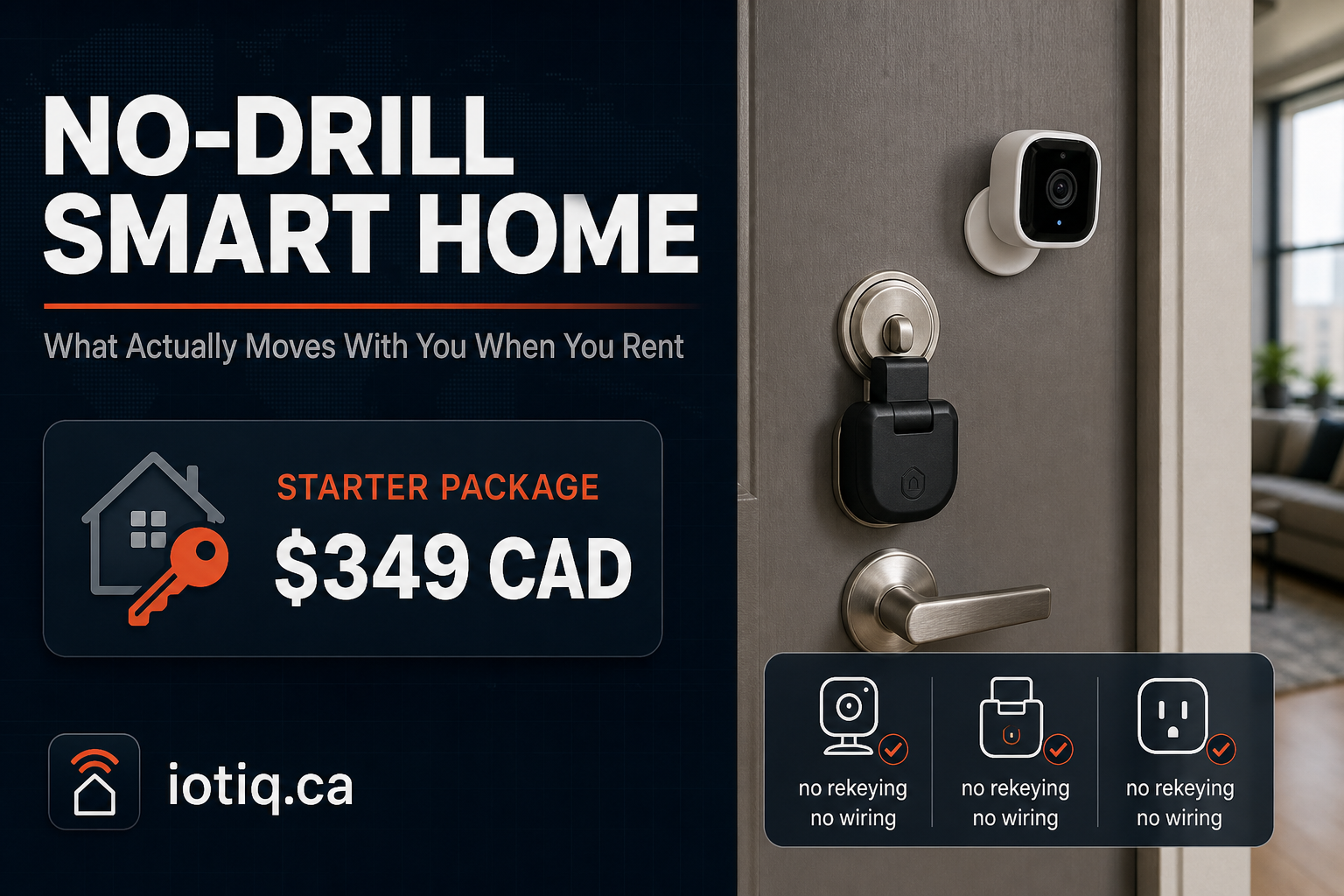
As a concrete reference point, a renter-focused package built around exactly this combination — one portable camera, one retrofit lock adapter, and two smart plugs, everything battery or adhesive-mounted — starts at $349 CAD, with the lock adapter removable in under a minute at move-out. That’s a useful benchmark even if you’re piecing devices together yourself: three categories, zero permanent modification, and the whole setup goes with you to your next address.
Before You Buy: What to Confirm With Your Landlord (Even When You Don’t Technically Need To)
Most leases don’t require approval for battery or adhesive-mounted devices, since nothing is being permanently altered — but “typically doesn’t require approval” isn’t the same as “guaranteed to be fine under your specific lease.” A five-minute conversation or a line in writing confirming that no-drill, removable smart devices are acceptable is cheap insurance against a dispute later, especially in a building with a strata or condo board that has its own rules layered on top of the lease itself.
What About Wi-Fi Range and Router Placement?
One practical issue renters run into that homeowners often don’t: you may not control your building’s internet setup, or you’re working with a router placed wherever the previous tenant left it. Battery-powered, adhesive-mounted devices generally rely on Wi-Fi or a low-power mesh protocol like Zigbee to communicate — if you’re finding dead zones, a small mesh Wi-Fi extender (also removable, also no drilling) is usually a cheaper fix than assuming a device itself is faulty.
Quick Answers
Do I need my landlord’s approval for battery or adhesive-mounted devices? Usually not, since nothing is permanently altered — but confirming in writing, or checking your specific lease, is cheap insurance against a dispute later.
Does a retrofit lock adapter require rekeying? No. It clips over your existing deadbolt without rekeying or permanent modification, and comes off in under a minute when you move.
Related Guides
See the full renter & condo package for the exact device list and current pricing.
