
Ecobee vs Nest vs Baseboard Controllers: Matching a Smart Thermostat to Your Heating System

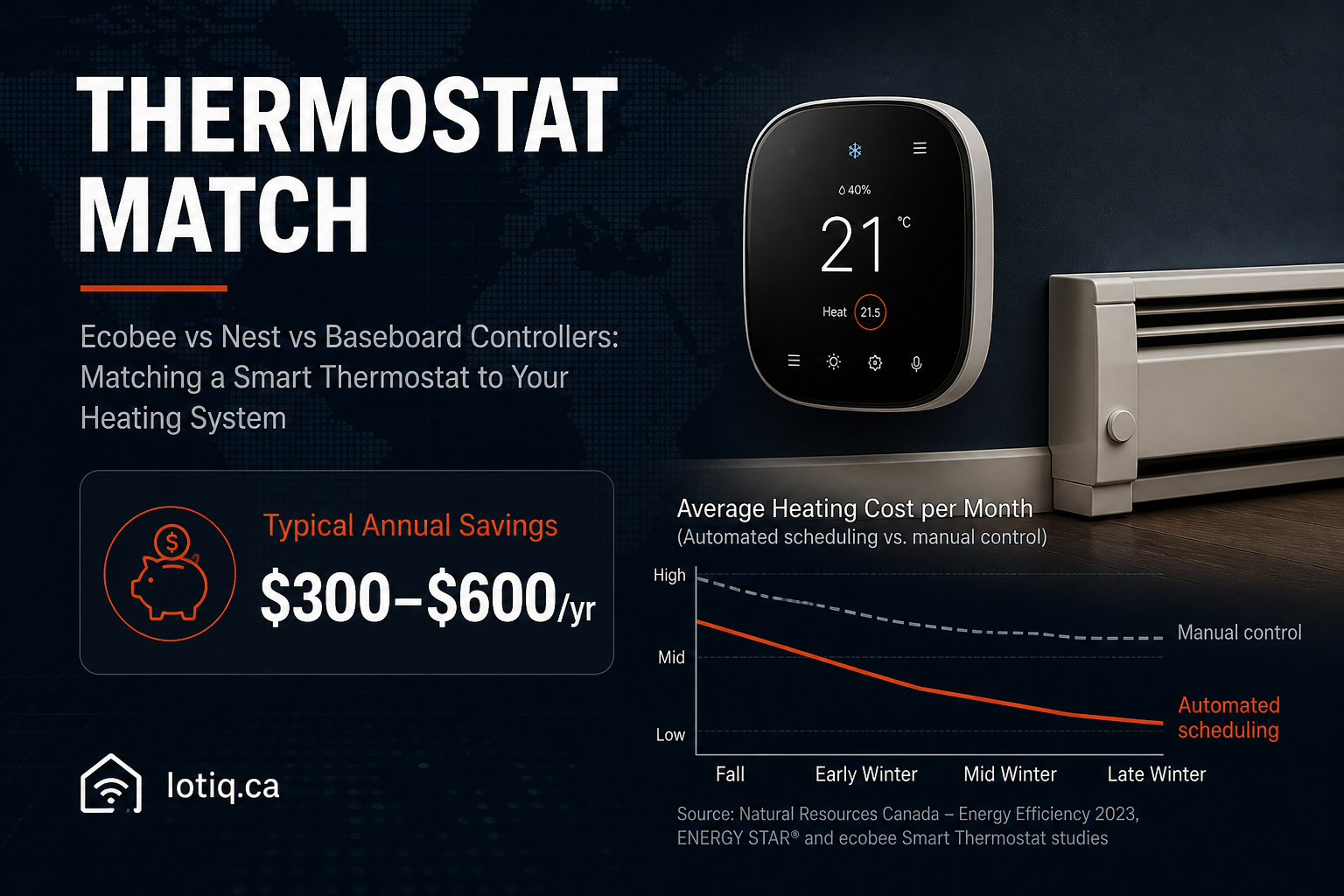
Ecobee and Google Nest dominate smart thermostat search results, and for good reason — they’re solid products. But the question that actually determines which thermostat works for you isn’t “Ecobee or Nest,” it’s “what’s on the other end of my thermostat wire.” A huge share of Canadian homes run electric baseboard heat, and neither Ecobee nor Nest is built for it. Here’s how to actually match a smart thermostat to your heating system, not just to a brand name.
Start Here, Not With the Brand: What Heating System Do You Have?
| Heating system | Standard Ecobee/Nest compatible? | What you actually need |
|---|---|---|
| Forced air (gas or electric furnace) | Yes | Standard Ecobee or Nest, typically a straightforward install |
| Heat pump (including dual-fuel setups) | Yes, with the right model | Heat-pump-specific thermostat model — not every Ecobee/Nest variant supports dual-fuel logic |
| Electric baseboard heaters | No | A dedicated smart baseboard controller — standard Ecobee/Nest thermostats are not compatible with line-voltage baseboard systems |
| Gas or oil boiler | Usually, with correct wiring | Compatibility depends on your specific control wiring — worth confirming before buying |
This is the single most common mistake in DIY smart thermostat shopping: buying a standard Ecobee or Nest for a baseboard-heated home, discovering it’s incompatible with line-voltage electric baseboard control, and returning it. If you’re not sure which category your home falls into, check the label on your existing thermostat or your electrical panel — baseboard systems are usually identifiable by higher-voltage wiring (240V) rather than the low-voltage wiring forced-air systems use.
Ecobee vs Nest: Once Compatibility Is Confirmed
| Ecobee SmartThermostat | Google Nest Learning | |
|---|---|---|
| Typical price | $350–$500 | $380–$520 |
| Standout feature | Built-in and add-on room sensors — useful for homes where one room runs hot or cold relative to the thermostat’s own location | Fully automatic schedule learning — builds a schedule from your manual adjustments with no setup steps |
| Best fit for | Households with uneven room temperatures who want per-room sensor data | Households that want to just start adjusting the temperature manually and let the system learn from that behaviour |
| Ecosystem integration | Alexa, Google Home, Apple HomeKit | Alexa, Google Home, Apple HomeKit |
Both integrate with the same major smart home platforms, so ecosystem lock-in isn’t really the deciding factor between them the way it might be for other device categories — it comes down to whether room-by-room sensor data (Ecobee’s strength) or hands-off automatic learning (Nest’s strength) matters more for how your home actually behaves.
What a Smart Thermostat Actually Does Once Installed
Beyond the basic “control temperature from your phone” feature, the meaningful behaviour is schedule learning: most systems build a working schedule from your actual patterns — when you’re home, when you leave, when you wake up — within about a week, without manual programming. Combined with phone-location-based pre-heating (starting to warm the house as you head home, rather than waiting for you to walk in the door) and an automatic setback while the house is empty, this is where the realistic $300–$600 CAD per year savings for a typical Canadian household comes from — not from any single feature, but from removing the “leave it running just in case” habit most manual thermostats encourage.
Two Details That Trip People Up
- The C-wire question. Most modern Canadian homes have the low-voltage “common wire” (C-wire) smart thermostats need for continuous power. Older homes sometimes don’t — this isn’t a dealbreaker, but it does mean budgeting for a C-wire adapter, which should be identified during a compatibility check rather than discovered mid-install.
- Renting. A smart thermostat is one of the more landlord-friendly smart home upgrades, since most systems can be removed and the original thermostat reinstalled cleanly when you move — worth asking permission for anyway, but it’s a much easier conversation than a hardwired device.
What Happens During a Power Outage
A reasonable worry, and the answer is straightforward: smart thermostats retain their settings through an outage and resume the existing schedule automatically once power returns — there’s no need to reprogram anything after a storm knocks the power out overnight.
Getting the Match Right the First Time
Because compatibility depends on wiring rather than just brand preference, the fastest way to avoid buying the wrong thermostat is confirming your heating system type and wiring before ordering. See the smart thermostats page for current Ecobee and Nest pricing, or the baseboard-specific controller option if that’s your heating type.
Quick Answers
Will a standard Ecobee or Nest work with electric baseboard heat? No. Standard Ecobee and Nest thermostats aren’t compatible with line-voltage electric baseboard systems — a dedicated baseboard smart controller is needed instead.
What happens to my smart thermostat’s schedule during a power outage? It’s retained. Smart thermostats keep their settings through an outage and resume the existing schedule automatically once power returns.
