
Smart Home Routines vs Scenes: What’s the Difference and Which to Automate First

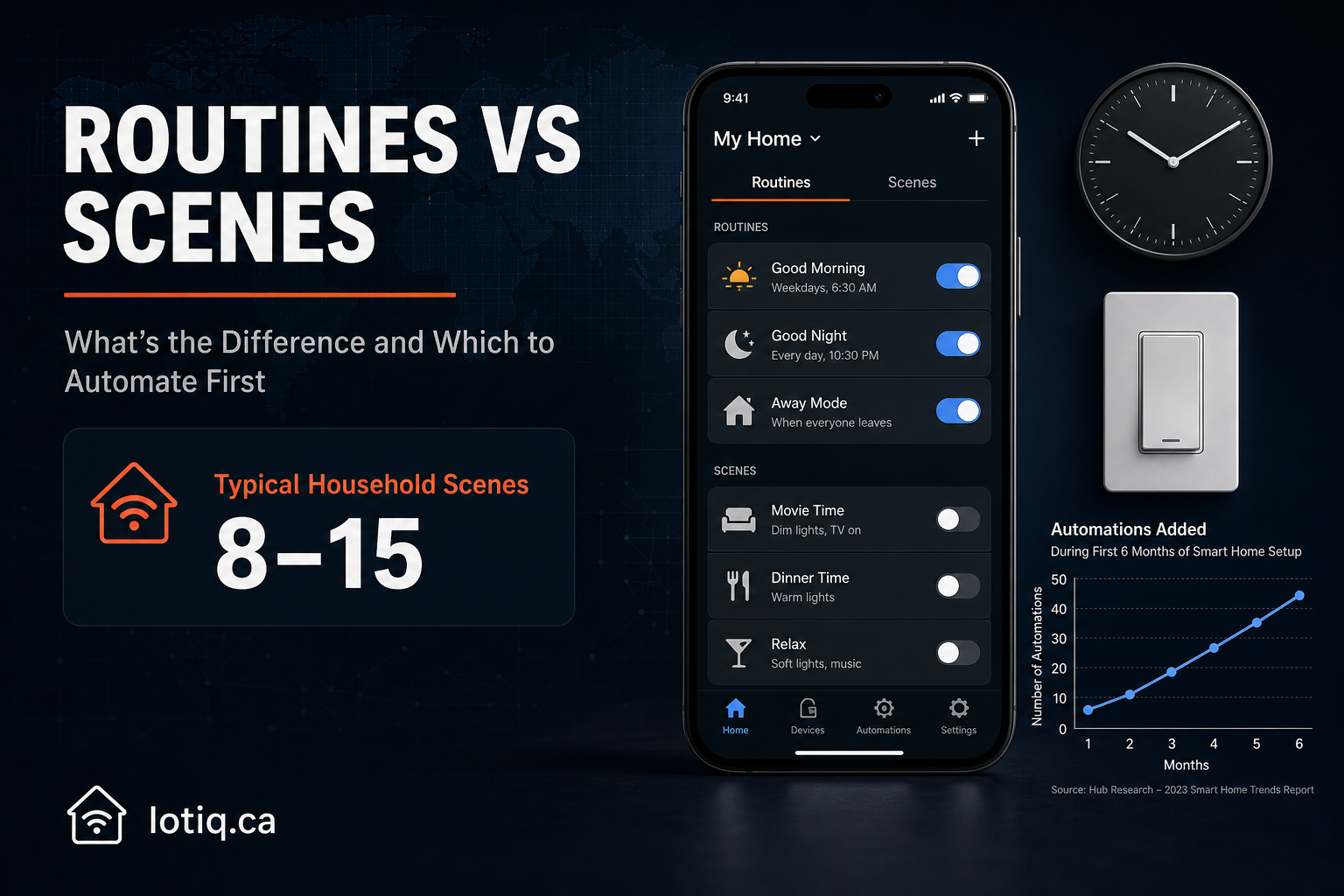
These two words get used interchangeably in smart home marketing, which is a shame, because the distinction between them is genuinely useful once you understand it: one runs automatically because time or a condition triggered it, the other runs because you asked it to. Knowing which is which changes how you should actually set up your home.
The Core Difference
| Routine | Scene | |
|---|---|---|
| What triggers it | Time, a schedule, or a condition (weather, someone arriving home, a sensor state) | A manual command — voice, app button, or physical switch |
| Typical example | “20 minutes before my alarm, start a gradual sunrise and raise the thermostat” | “Movie night: lights to 15%, TV on, blinds closed, thermostat down” |
| Runs without you doing anything | Yes — that’s the point | No — you trigger it every time |
| Best for | Predictable, repeating parts of your day (mornings, evenings, arrival/departure) | Situational moments that don’t follow a fixed schedule (movie night, a dinner party, a work-from-home focus session) |
A useful shorthand: routines answer “what time is it, or what’s happening,” scenes answer “what am I about to do.” Both ultimately do the same underlying thing — change the state of multiple devices at once — but the trigger logic is different, and that’s what determines which one fits a given part of your life.
What a Real Routine Setup Looks Like
A morning routine, for instance, typically starts about 20 minutes before your alarm: bedroom lights begin a gradual sunrise, the thermostat starts rising, and the coffee maker activates — all before you’re technically awake. In the evening, lights can shift to a warmer tone starting around 8pm, the thermostat drops around 10pm, and a “good night” trigger locks every door, turns off every light, and arms security in a couple of seconds, without you walking room to room checking each one. Weekday and weekend versions are usually configured separately, since a 6am sunrise makes no sense on a Saturday — and well-designed routines can also react to conditions, not just time: brighter lights on a rainy morning, or doorbell notifications automatically suppressed if someone in the house is sick and sleeping.
What a Real Scene Setup Looks Like
A scene is closer to a preset than a schedule. “Movie night” might mean lights dim to 15%, the TV powers on, blinds close, and the thermostat drops — one phrase or one tap replacing four or five separate manual adjustments. Scenes tend to cluster around specific, repeatable moments: a kids’ bedtime scene (nightlight on, sound machine starts, main light off, triggered from a parent’s phone without an argument required), a work-from-home focus mode, or a dinner-party ambiance setting. A typical household ends up with somewhere around 8–15 scenes once things are dialed in, each with its own trigger — a voice command, an app button, and often a physical smart switch as well, so there’s more than one way to fire it.
Which to Automate First
If you’re starting from nothing, routines generally deliver more day-to-day value with less ongoing effort, simply because they run without you having to remember to trigger anything — a morning and evening routine covers two guaranteed daily moments. Scenes are worth adding once you’ve identified specific recurring situations in your household that don’t follow a clock: movie nights, a regular dinner routine, a kid’s bedtime. Trying to build 15 scenes before you’ve nailed a basic morning and evening routine usually means you end up using two or three of them and forgetting the rest exist.
The Setup Process Matters More Than the Feature List
The reason generic, template-based routines and scenes tend to get abandoned within a few weeks isn’t that the technology doesn’t work — it’s that they were built around a generic household instead of your actual one. A routine designed after a real conversation about your specific morning (what time you actually leave, whether you make coffee at home or grab it on the way) holds up in daily use in a way a default “sunrise at 6:30am” template doesn’t, because most households don’t run on the default schedule a device ships with.
Cost and Setup Time
As a standalone addition to an existing smart home, both routines and scenes typically run $200–$500 depending on complexity and device count, with configuration taking a few hours — most of that time is the conversation about how you actually use each room and time of day, not the technical setup itself. See smart routines and smart scenes for current pricing and configuration detail.
Quick Answers
Can a routine and a scene use the same devices? Yes. A morning routine and a “movie night” scene can both control the same living room lights — they just get triggered differently, one by time or condition, the other on command.
Should I set up weekday and weekend routines separately? Generally yes. A fixed 6am sunrise routine that fires every day regardless of whether it’s a workday is one of the most common reasons households stop using routines.
